
Audio to Sheet Music Converter
Turn a song or recording into sheet music with AI. Upload MP3, WAV, M4A or MP4, or choose an EasyMusic track, then download the score as a ZIP.
Choose your audio
Choose a file or a song from your library.
Your sheet music
Includes numbered-notation PDF, staff PDF and MusicXML.
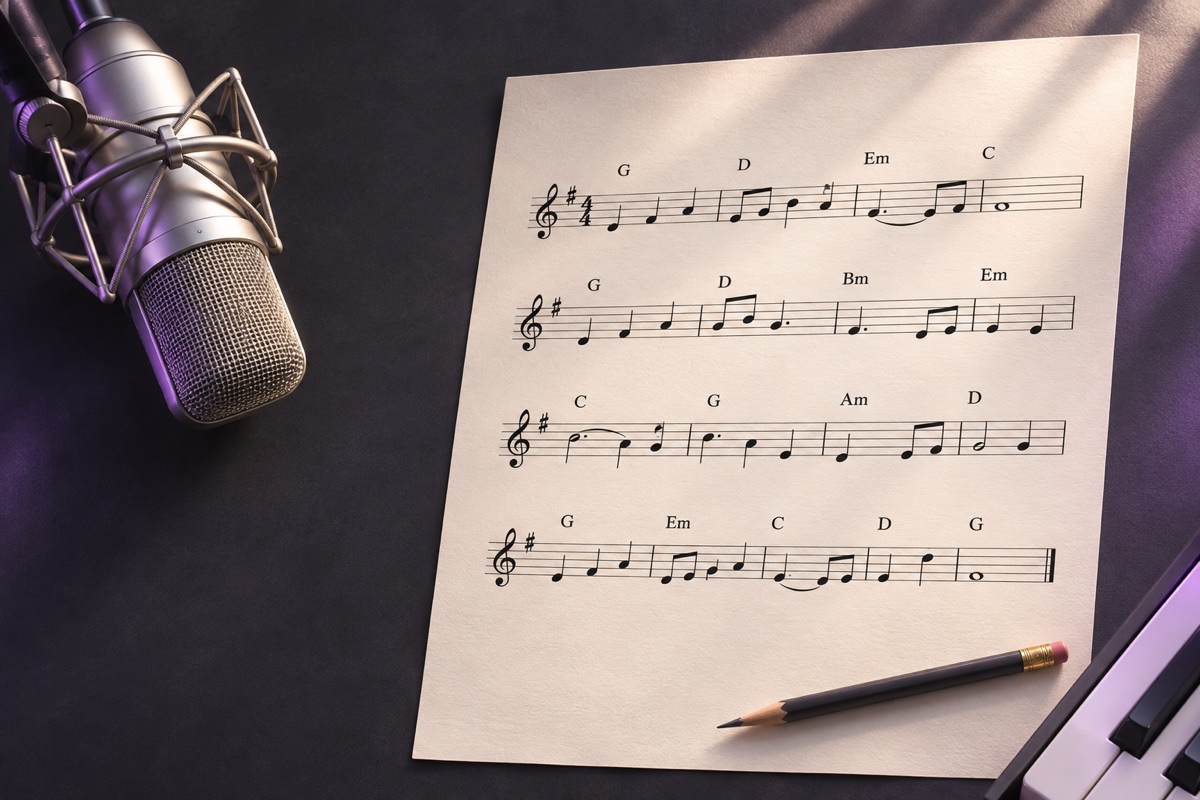
Your score preview will appear here after conversion.
From MP3 to printable and editable scores
Your ZIP contains three files: a numbered-notation PDF, a staff-notation PDF, and a staff-notation MusicXML file. Unzip it to view or print either PDF, or import the staff-notation MusicXML into compatible notation software to edit it.
How to convert audio to sheet music
- 1Choose an audio file or a song from your EasyMusic library.
- 2Select Convert to sheet music to start. Each new conversion costs 20 credits.
- 3Preview your score, then download the ZIP to print or edit it.
Choose a clear melody for better transcription
Use a solo vocal recording with a steady tempo and consistent rhythm. Songs with frequent tempo or rhythmic changes are not suitable. AI music transcription can require corrections: review the score before performing, teaching or publishing it.
Choose MP3, WAV, M4A or MP4, 10 seconds–10 minutes, up to 100 MB.
Uploaded source files are deleted after 24 hours. Completed scores remain available to download.
Continue your AI music workflow
Audio-to-sheet-music questions
Is this audio-to-sheet-music converter free?
No. Each new conversion costs 20 credits. You can use this feature with annual Basic or a higher paid plan.
Can I convert an MP3 or a song from my library?
Yes. Choose an MP3, WAV, M4A or MP4 file, or a song from your EasyMusic library. Audio must be 10 seconds to 10 minutes long and no larger than 100 MB.
Can I edit or preview the score here?
You can preview the staff PDF here. To make changes, download the ZIP and open the MusicXML file in compatible notation software. There is no score editor on this page.
What can I do if conversion fails?
Try the conversion again. If you were already charged, retrying the same conversion costs no extra credits. If the original upload has expired, you’ll need to upload it again; that starts a new conversion for 20 credits.
Will converting the same song charge me again?
You can download a saved score again at no extra credit cost by selecting the same version of the song from your library. Uploading the file again starts a new conversion for 20 credits.
Can I convert a YouTube URL?
No. Upload an audio file you have permission to use, or choose a song from your EasyMusic library. YouTube links cannot be converted directly.
Is an active plan required to download a saved score?
Yes. Annual Basic or a higher paid plan must be active when you download. Monthly Basic does not include this feature.